Convert JPG to PDF
Runs on your device · Your file never leaves your device.
Add your JPG images and they become the pages of one PDF, in the order you arrange them. It is a quick way to turn photos of documents — an ID, a receipt, a signed form — into a single file you can attach.
You can cap the size of the finished PDF, which matters when the form you are submitting to has an upload limit. The images are compressed only as much as needed to reach your target.
Everything runs locally, so photographs of personal documents are never uploaded anywhere.
Worked example: a measured run of this tool
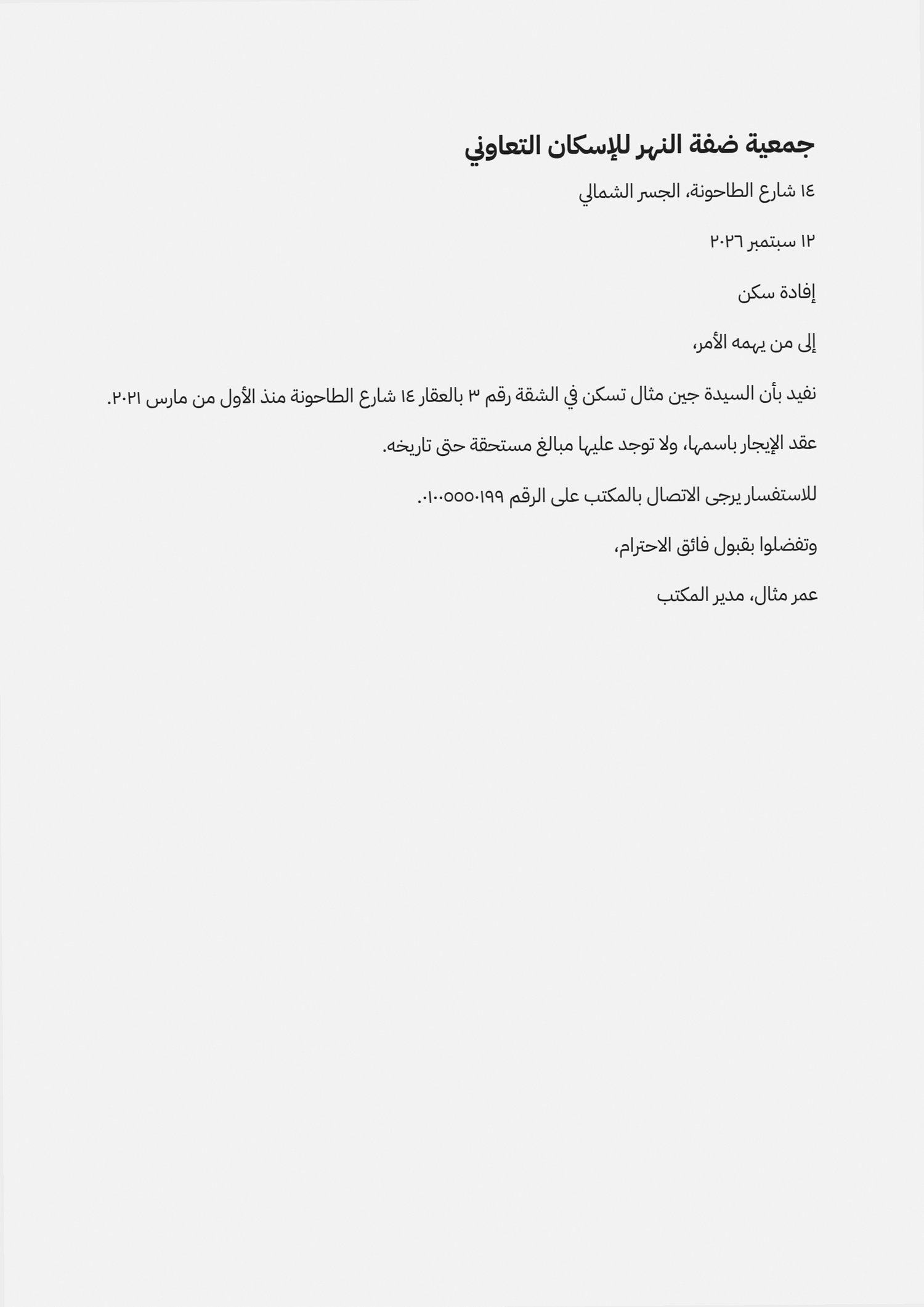
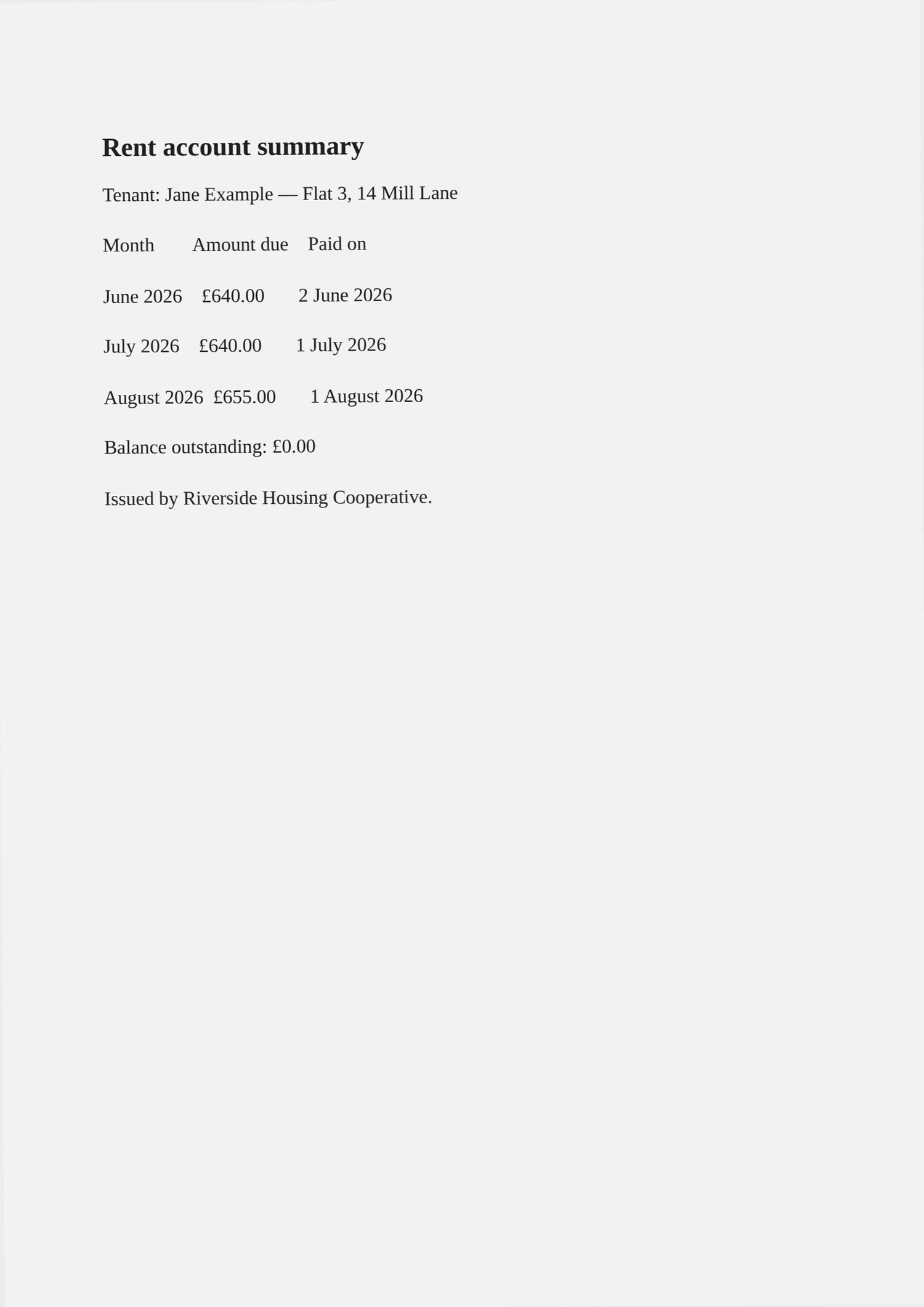
We ran three phone photos of document pages (fictional) (254.8 KB) through this page in a browser, the way a visitor would, and checked what came out. The figures below were measured on the result, not estimated.
- Settings
- The page’s defaults: the three photos in the order chosen, one page each, A4.
- Pages
- 3 → 3
- Page size
- 210 × 297 mm (A4)
- File size
- 254.8 KB → 257.3 KB
- Opens as a valid file
- ✓
- Time taken in the test browser, button to result
- 0.1 s
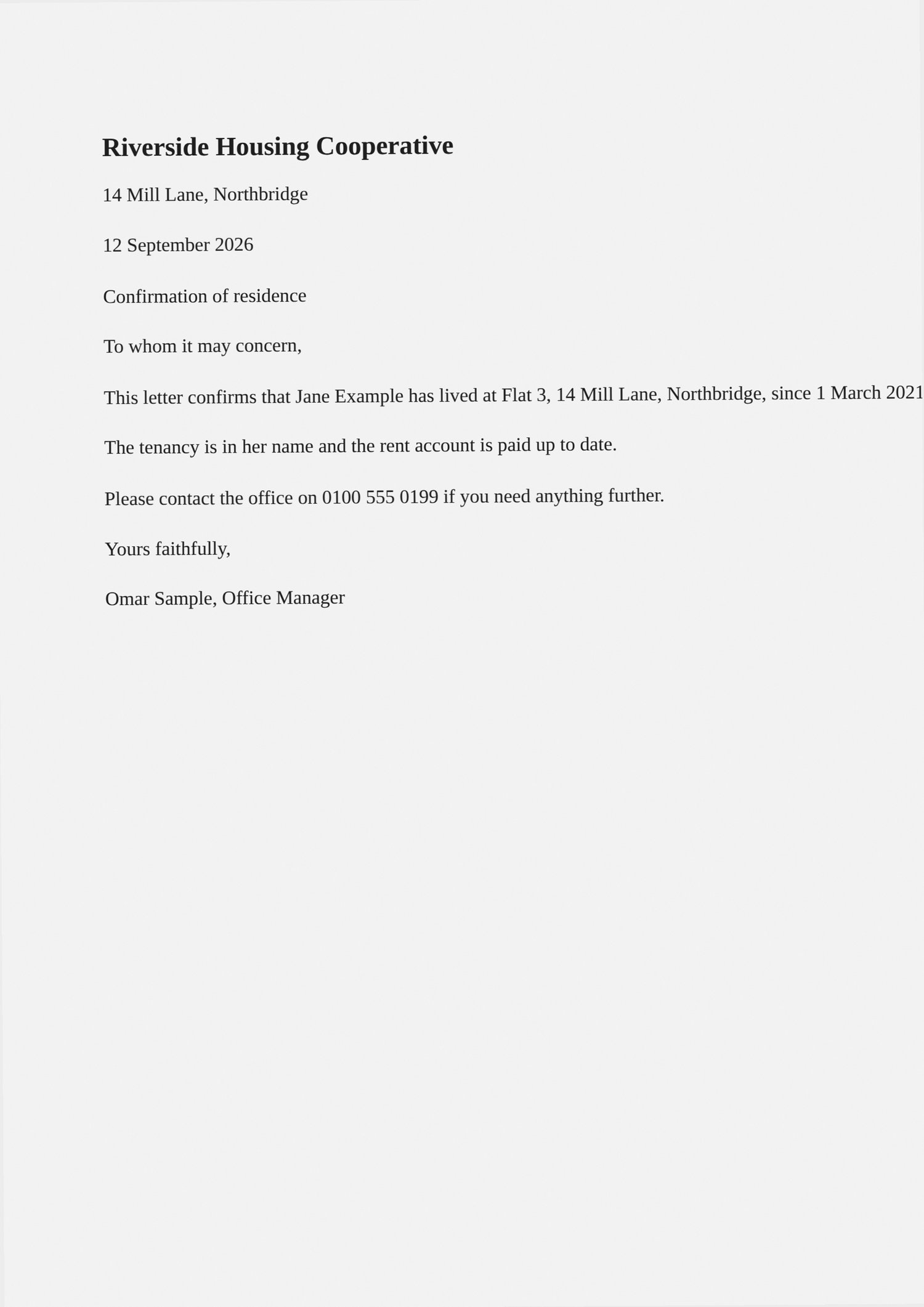
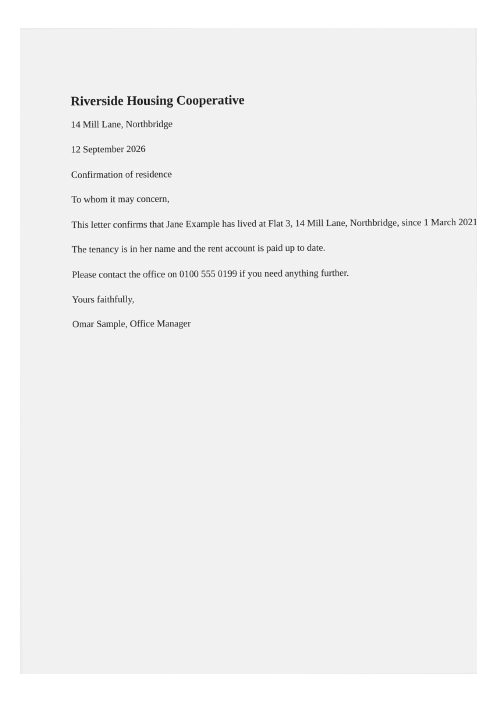
What this example does not show: The photos are placed as they are: the tool does not straighten, crop or clean up a skewed photo of a page, and the PDF has no searchable text (PDF OCR adds that).
Measured on 2026-09-25 with the site’s own code (build 8672737). Files: page-photo-1.jpg page-photo-2.jpg page-photo-3.jpg result
How to convert JPG to PDF
- Add your JPG photos.
- Arrange them into the page order you want.
- Optionally cap the output size for an upload limit.
- Press Convert to PDF (it names how many images) and download the document.
Supported formats and limits
- Input
- JPG photos
- Output
- One PDF, one image per page
- Page size
- A4, Letter or fit-to-image
- Where it runs
- In your browser; nothing uploaded
Not for: OCR — the photos become PDF pages as images; they are not turned into searchable text.
Page size and margins
The Page size menu offers A4 (the default), Letter and Fit to image. On A4 or Letter, each photo is made as large as the page allows inside the margin, without being cropped or stretched, and centred. A landscape photo gets a landscape page, so it is not shrunk to fit across a portrait one. Small pictures are enlarged to fill the page too, so a low-resolution image can look soft when printed.
The Margin menu sets the white border around each photo: None, Small (24 points, about 8 mm, the default), Medium (48 points) or Large (72 points, one inch). Fit to image makes each page exactly the shape of its photo plus the margin, with one point of page size for every pixel, so a phone photo gives a page far larger than A4. That suits reading on screen; A4 or Letter suits printing.
What happens to the photos
With No limit, each JPG is placed in the PDF as it is, without being decoded or compressed again, so the pages are exactly as sharp as the photos and the PDF is only a little larger than the photos together. A phone photo stored sideways with a note saying which way is up is turned on its page instead, so it shows upright, on a portrait page if it is a portrait, and stays untouched.
With a Max file size, chosen from 50 KB to 20 MB, the PDF is first built the same way; only if it is over the limit is every photo decoded and saved again. The first try uses JPG quality 85 and cuts the longest side to 2,400 pixels; up to eleven more tries follow, each smaller, down to quality 10 at 220 pixels, and the first one that fits is kept. All photos are treated alike at each step, so one very large photo can pull the others down with it. Remove it, or crop it first with /crop-image. If even the last try is too big, a message gives the smallest size reached and that file is still offered.
Order and the finished file
The list labels the photos Page 1, Page 2 and so on, in the order they were added. Drag a row to move it, or tap the up and down arrows beside it, which also work on a phone. The finished document is called images.pdf, so rename it before sending if the name matters.
The picker here shows JPG files. For PNG, HEIC or a mix of formats in one document, /image-to-pdf takes them all in the same list.
Frequently asked questions
- Can I combine several JPGs into one PDF?
- Yes. Add all the photos, drag them into order, and you get one PDF with a page per image — a JPG to PDF combiner and merger in one step.
- Are my files uploaded to a server?
- No. This conversion runs inside your browser using your own device’s processing power, and the file is not uploaded. Once a tool has been used once (video, text recognition and background removal download their engine from this site the first time), it keeps working when your connection drops.
- Can I control the page order?
- Yes — arrange the images before exporting and each one becomes a page in that order.
- Will my photos be compressed?
- Only if you set a size limit. Without one the images are embedded at their original quality.
Related tools
This page in other languages: العربية · Deutsch · Français · Español · Русский · Português · 中文 · हिन्दी · Türkçe · עברית · فارسی · اردو · Bahasa Indonesia · বাংলা